


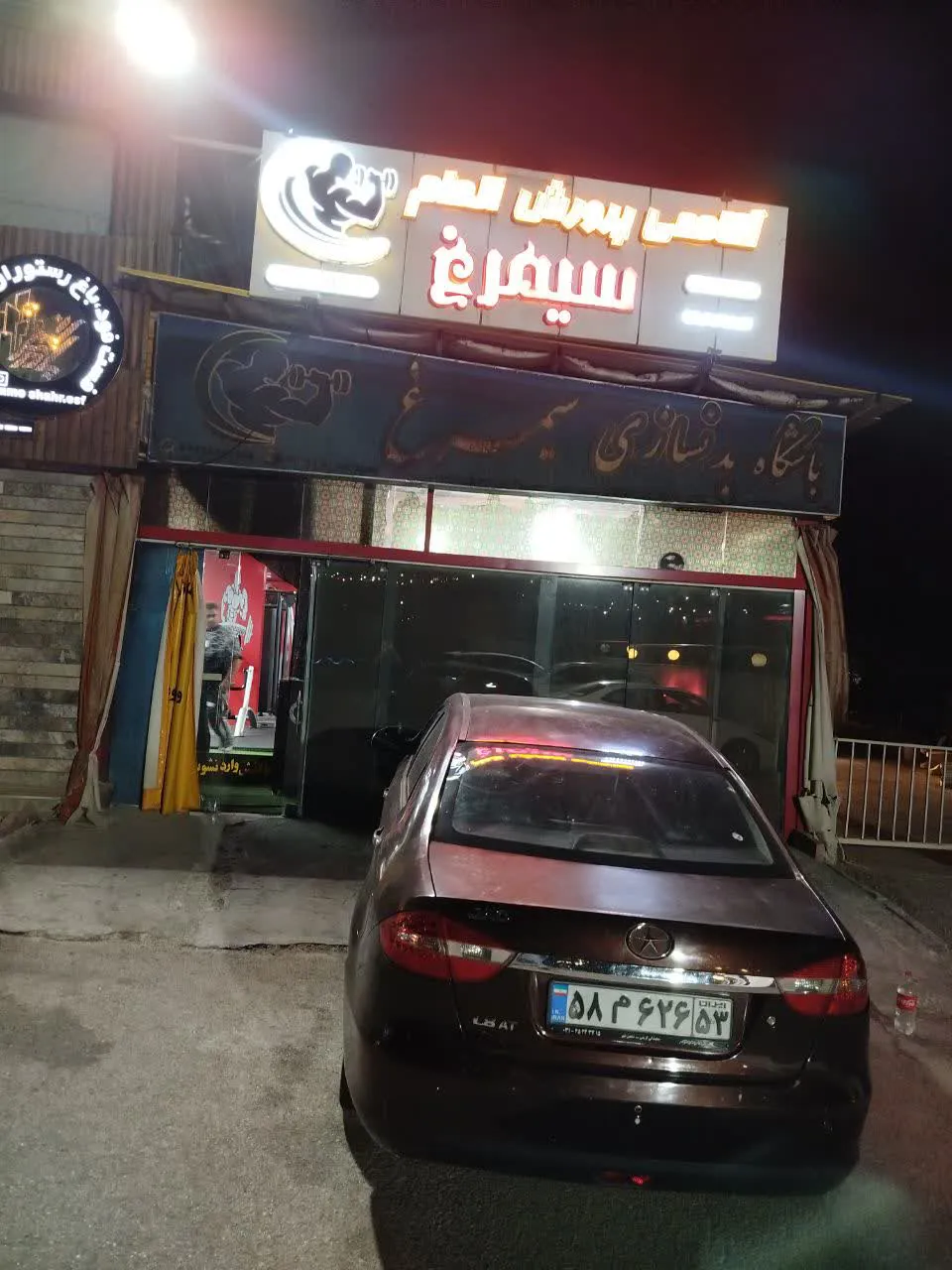
Golden Simorgh Bodybuilding Club
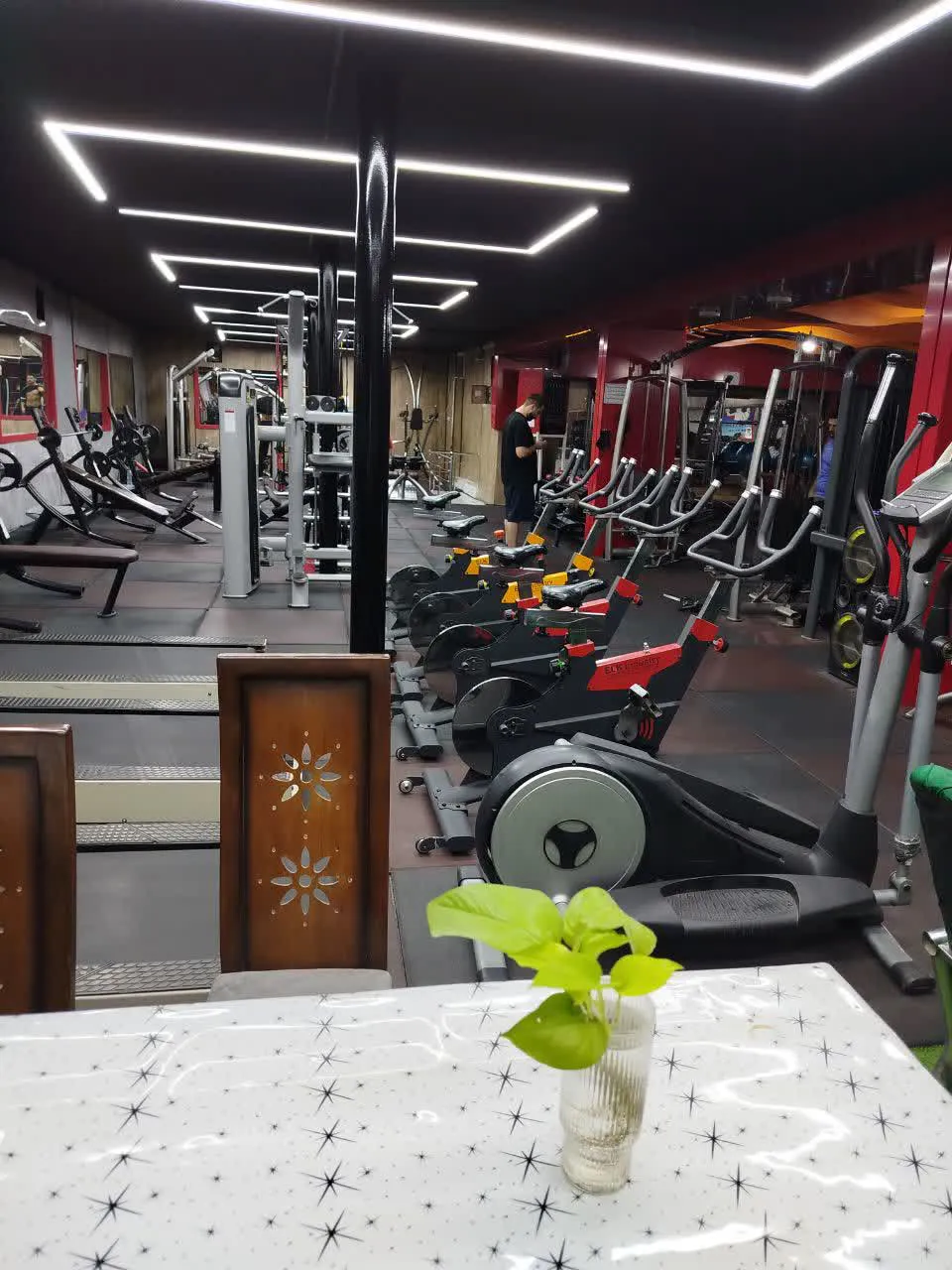
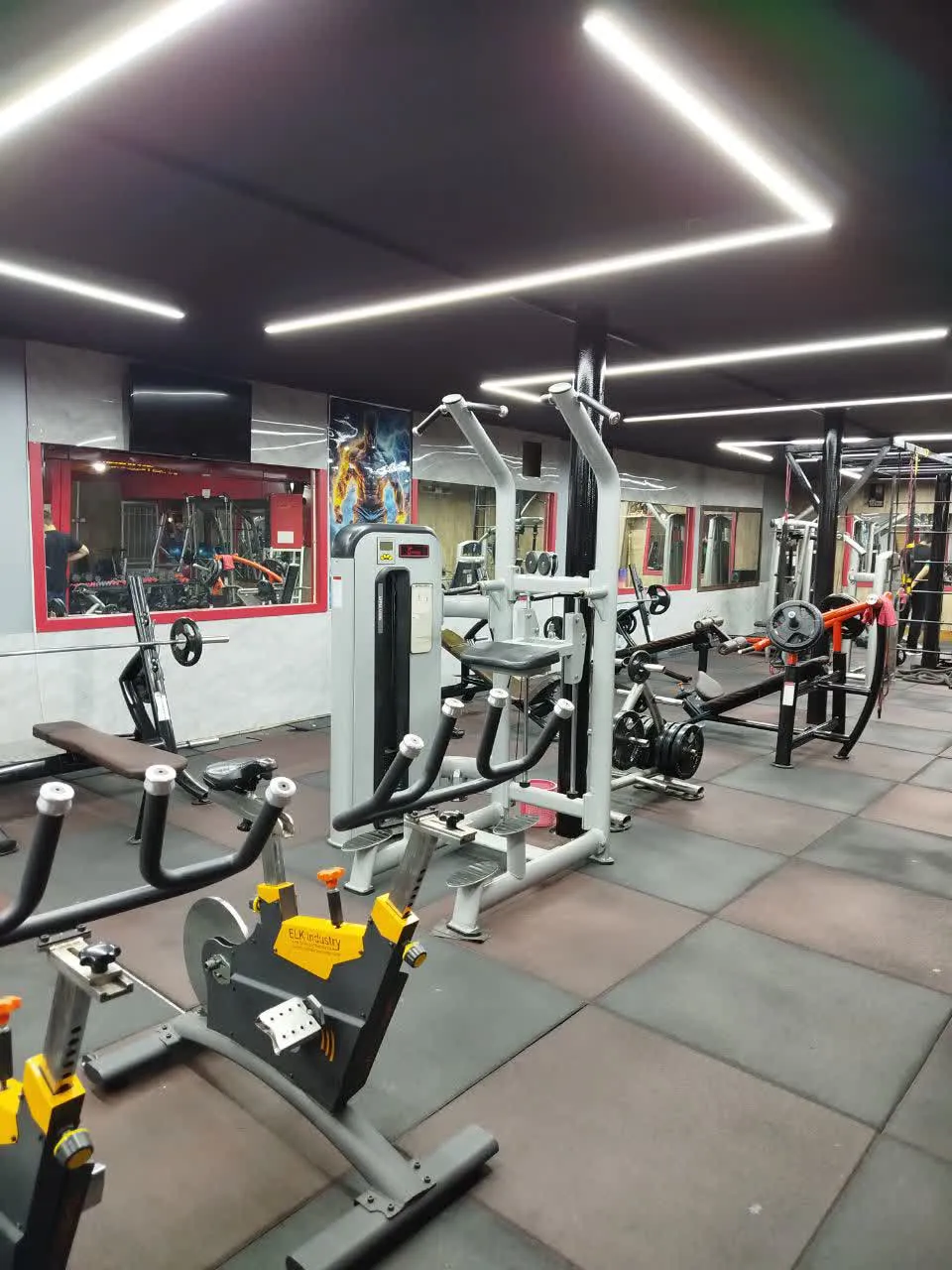
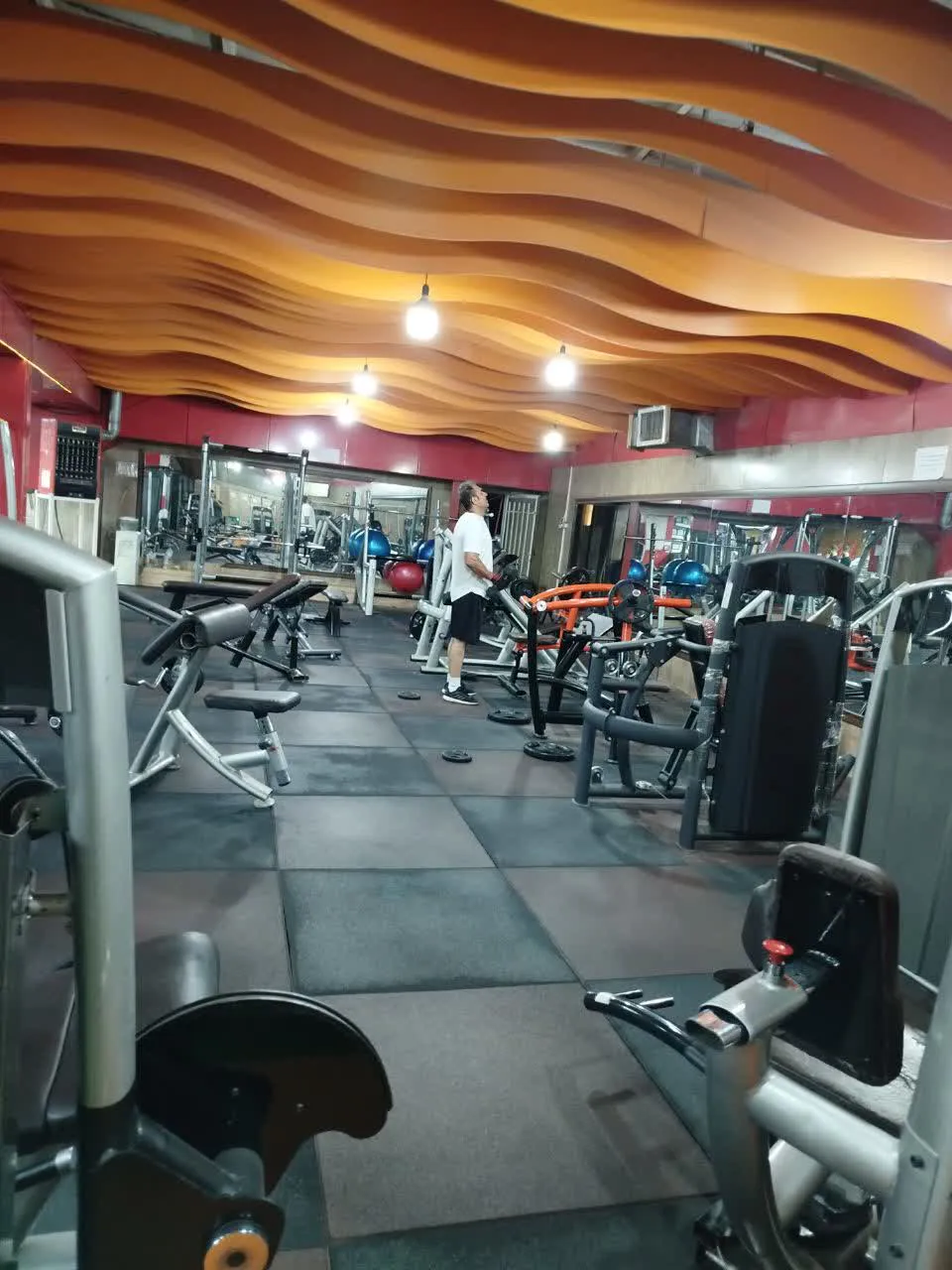
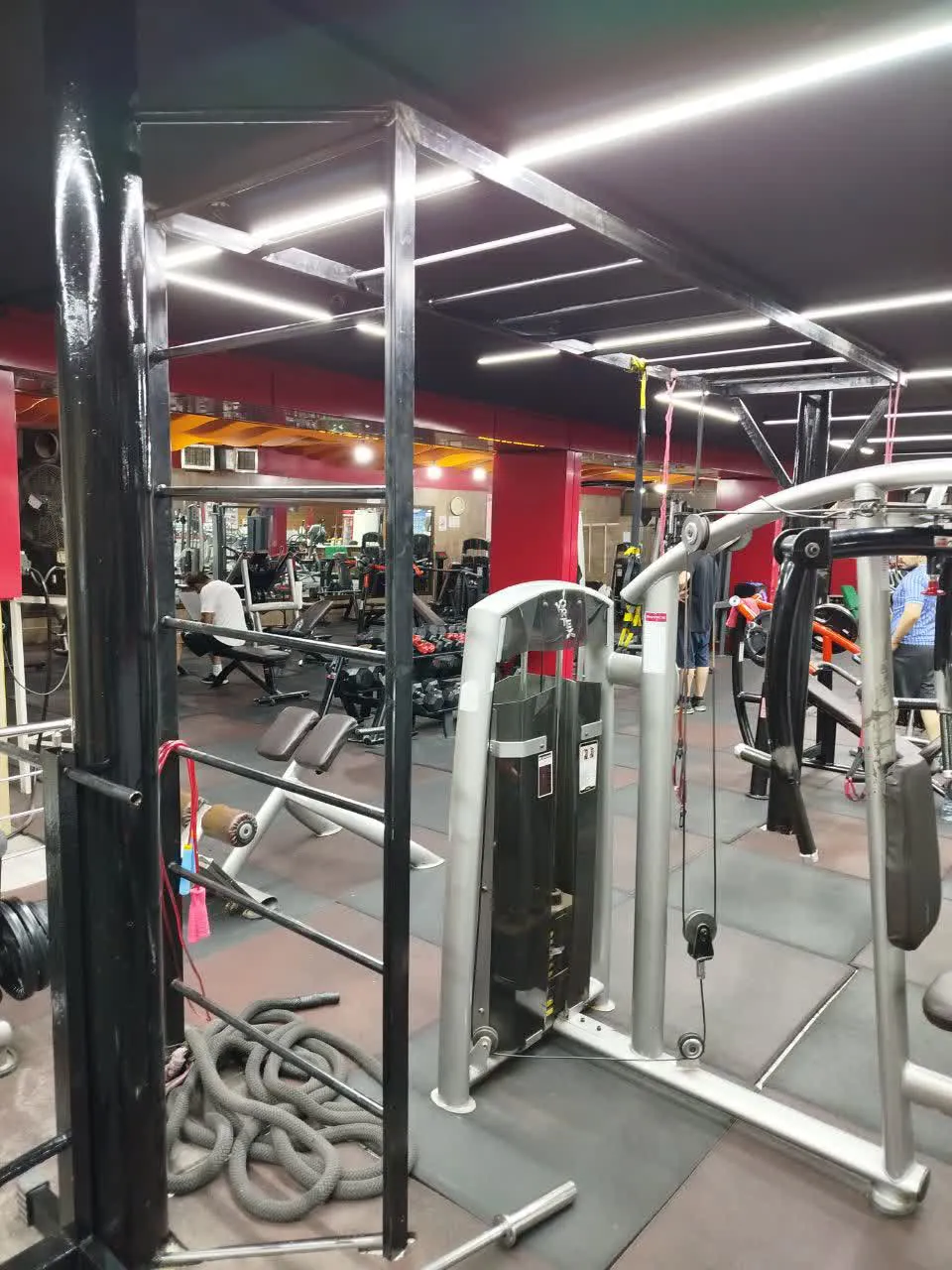
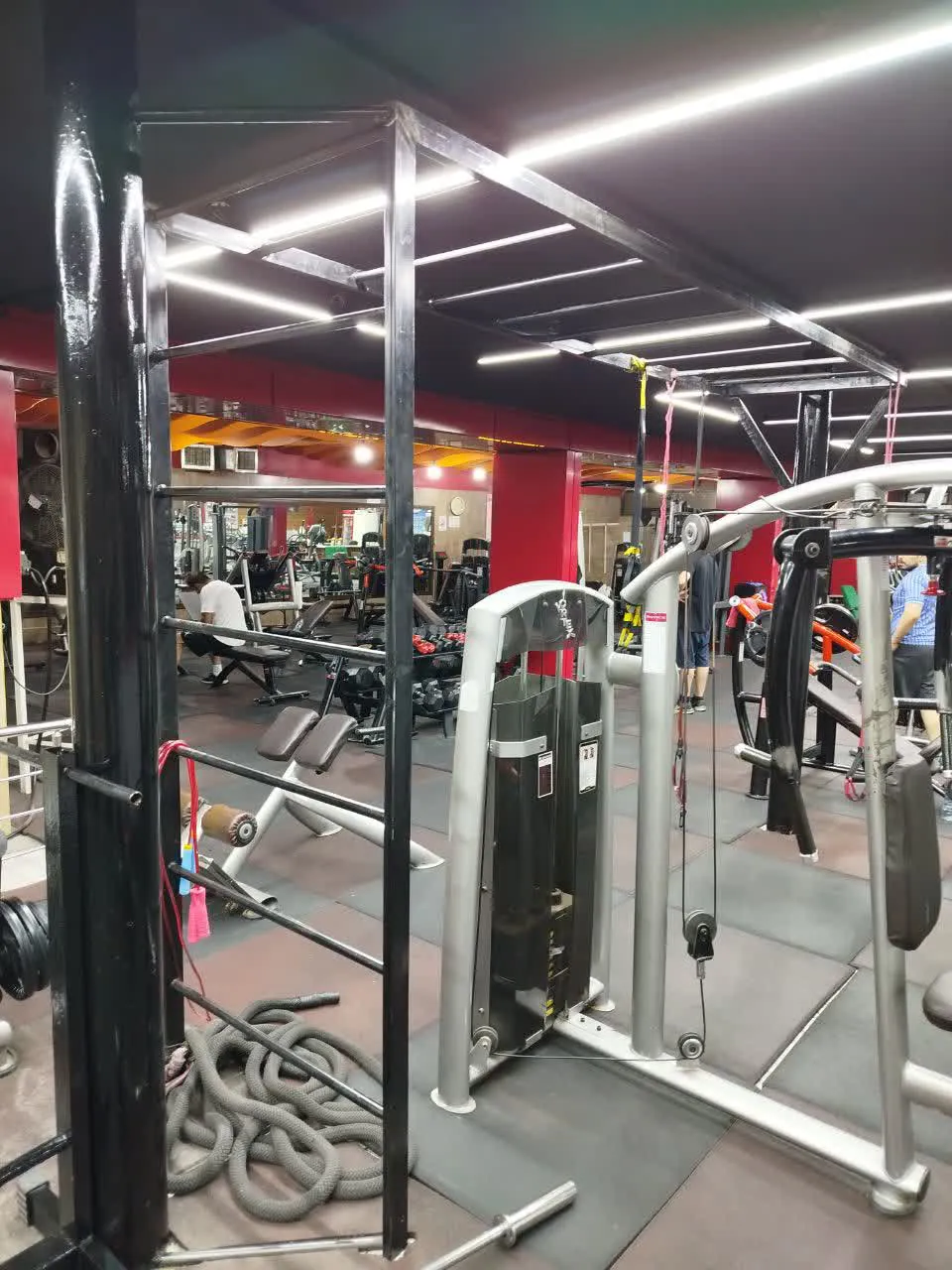
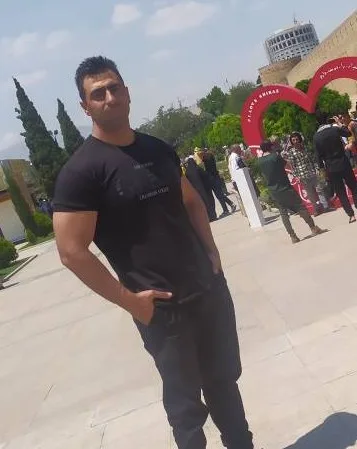
A bodybuilding gym with over 20 years of experience in fitness and sports services, offering a variety of programs including bodybuilding, TRX, and aerobic training. Services are available on a session-based, weekly, and monthly basis, with additional sports and services offered by the facility also available for listing and introduction.
About
A bodybuilding gym with over 20 years of experience in fitness and sports services, offering a variety of programs including bodybuilding, TRX, and aerobic training. Services are available on a session-based, weekly, and monthly basis, with additional sports and services offered by the facility also available for listing and introduction.
Location on map
Isfahan, Hezarjarib St., opposite Imam Jafar Sadegh Alley, Zeytoon Sports and Recreational Complex, Golden Simorgh Bodybuilding Club
Get directionsGallery
Provider details
Certifications
Policies
After paying the membership fee, the athlete has up to 24 hours to cancel the registration. After this period, cancellation is no longer possible.
After paying the fee, the course may start the following month or at a later time, provided it is coordinated with the gym in advance.
Contact
Similar Providers in IR
Explore more options near this location
Top International Providers
Leading medical tourism destinations
Can't decide which provider to choose?
Our expert consultants can help you compare providers, understand pricing, and find the perfect match for your needs.
Frequently asked questions
How do I book with this provider?
Tap “View services” or open the “Services” tab, choose a service and tap “Book Now” on its page. The booking then asks for a time and, if the service needs one, a specialist, and ends at “Review & Pay”. You need to be signed in. If the provider hasn't published any services yet, the tab says “No active services” and booking isn't available.
How can I ask this provider a question before booking?
Tap the phone button at the bottom of the page to reach LSevin support, or tap “Free consultation before booking” and an LSevin advisor will call you back. If the provider has listed a phone number or email, you'll find it in the “Contact” section. “Location on map” has a “Get directions” button if you want to see where it is first.
What languages do the staff here speak?
If the provider has listed them, the languages appear in the “Languages” section of this page. Specialists working here may list their own languages on their profiles, which you can open from the “Specialists” tab. If you need an interpreter, ask LSevin to arrange extra support services when you book, and add translation in the add-ons step where it's offered.
What is this provider's cancellation policy?
The provider's own rules are in the “Policies” section of this page, and on each service page under “Provider policies”. Read them before you book. To cancel, open the booking in “My bookings” and tap “Cancel booking”. Whether a paid amount is refunded depends on the provider's policy, and an approved refund is credited to your LSevin wallet.
Can I book a hotel near this clinic or hospital?
Yes. When you book a treatment here, tick the option for LSevin to arrange extra support services. In the add-ons step you can add a hotel stay with check-in and check-out dates and the number of adults; hotels in this provider's city are listed first, and you can widen the list to the whole country. For a service delivered where you're staying, choose “At my stay” as its location.
How do reviews on this page work?
Reviews are in the “Reviews” tab, where you can sort by newest, most helpful or booked customers. To add one, tap “Write a review”; you need to be signed in with a completed profile. A review from someone who has a booking here is published straight away, while others wait for approval first. The “Verified” badge means the LSevin quality team has verified this provider.